
Ready in 4 Steps.
Shooting tips
Tap an icon to see that step.
Take or Choose a Photo
Take a clear, front-facing photo with your smartphone or camera, or choose an existing one from your gallery. The background does not need to be plain — our system will replace it.
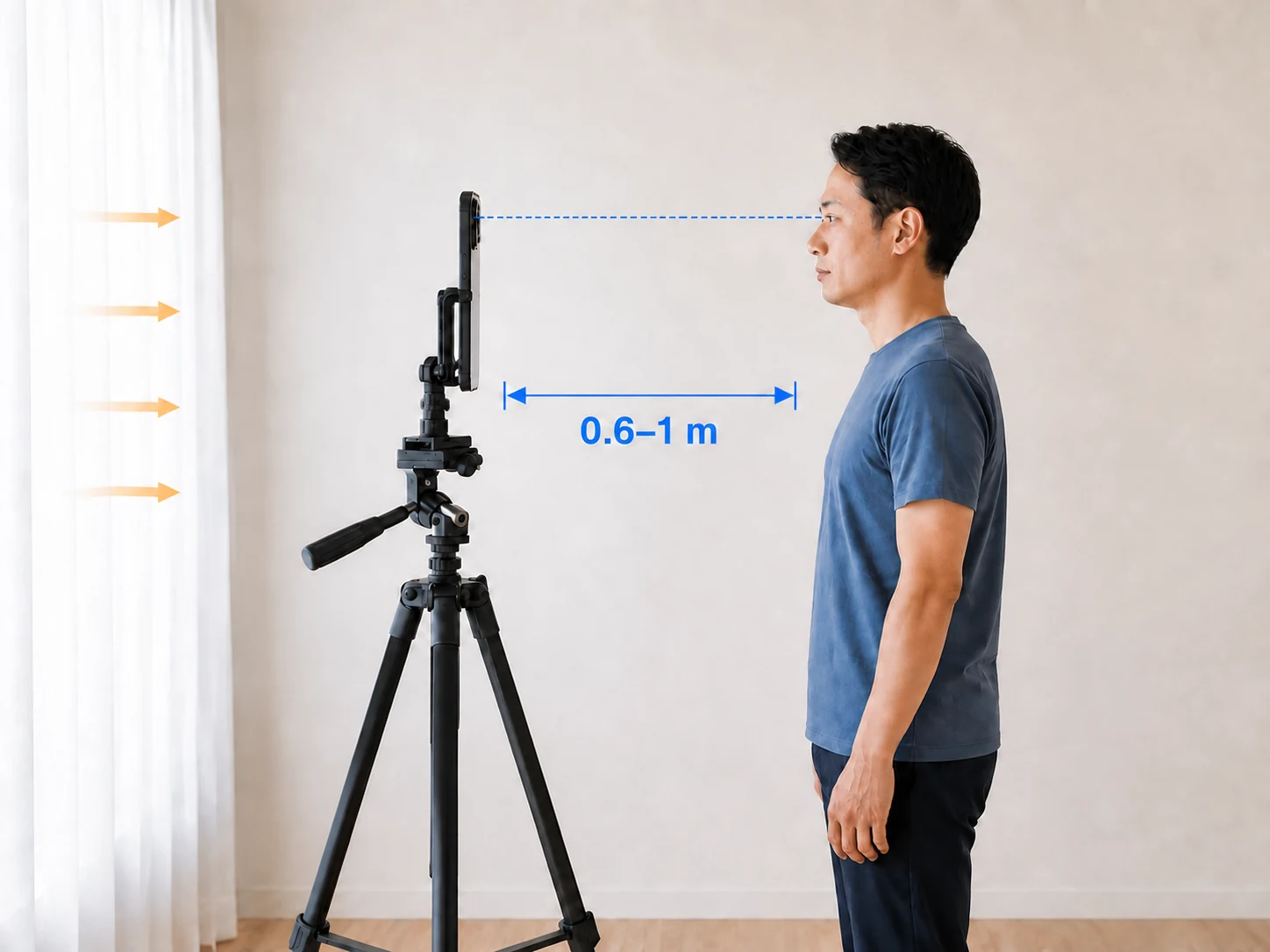
- Lighting: face the light source. Don't stand under a ceiling light, and keep shadows off your face.
- Expression: stay neutral. Look straight into the camera at eye level, with shoulders square.
- Use the rear camera, held 0.5–1 m away (about arm's length).
- Skin-smoothing or whitening filters are OK — but never change the shape of your face.
Not sure if your photo will pass? See good vs bad photo examples
Select Size & Upload
Pick the ID document you need a photo for — My Number Card, passport, visa, CV, and more — then upload your photo to our system. We handle the rest automatically.
- Check ICAO compliance and verify your face proportions
- Auto-rotate the photo and remove the background
- Crop to the official size and show you a preview before payment
Pay & Checkout
Review your processed photo and complete payment securely.
- Secure payment via PayPal or credit/debit card
- Download link sent to your email
Download
Download your photo instantly. One purchase covers all sizes and backgrounds.
- Get the processed photo with no watermark, ready to download
- Select any other size or background color and download — no extra cost
- Download link sent to your email — no code to remember, no printed copy to keep
- Free support until accepted by authorities — full refund if we can't resolve it
- Your photo is stored securely for 6 months from the purchase date